Free flashcards that come back just before you forget.

Build a deck, share it with your students or friends, and etch.it works out each person’s next review. A Claude connection is built in.

Free to study. Free to teach up to 3 students. No card needed.

Card 3 of 12
lighthousea tower with a light that guides ships
Again1mHard6mGood1dEasy4d
Example review. Each button shows when the card would come back.

A few minutes a day, on the right cards.

Every time you rate a card, etch.it updates how hard that card is for you and how long you are likely to remember it. It brings the card back when your chance of recalling it is about to drop below 90%. Easy cards move weeks away. Hard ones return tomorrow.

Two people studying the same deck get two different schedules. There is nothing to configure.

Scheduling uses FSRS, the open-source algorithm Anki also offers.

One deck, everyone on their own schedule.

  1. 01Build a deck. Front-and-back, both-direction or fill-in-the-blank cards, with pictures if you like. Already use Anki? Import your deck.
  2. 02Share the link. They open it on their phone, sign up in seconds and start reviewing. Nothing to install.
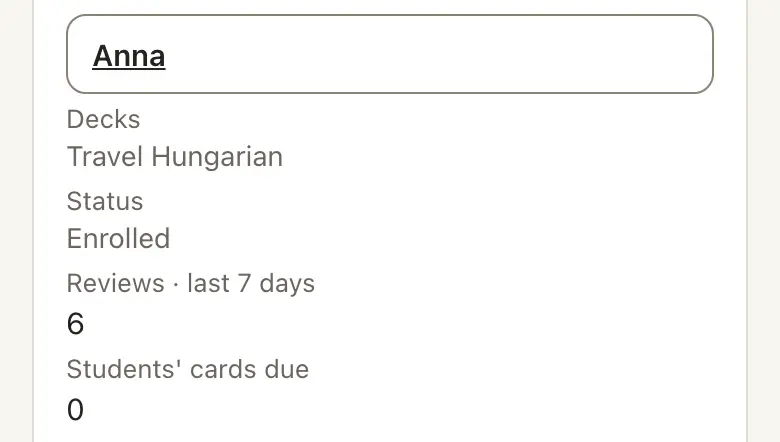
  3. 03See who is practising. Reviews done, cards due and who has gone quiet, with a reminder message you can copy into your lesson chat or WhatsApp.

For tutors. Your first 3 students are free. Sharing a deck does not use a place; a place is used when you add someone to your roster.

For friends and study groups. Invite someone to study a deck, or to edit it with you. Anyone studying can suggest a correction or memory hook, and the deck’s owner approves it.

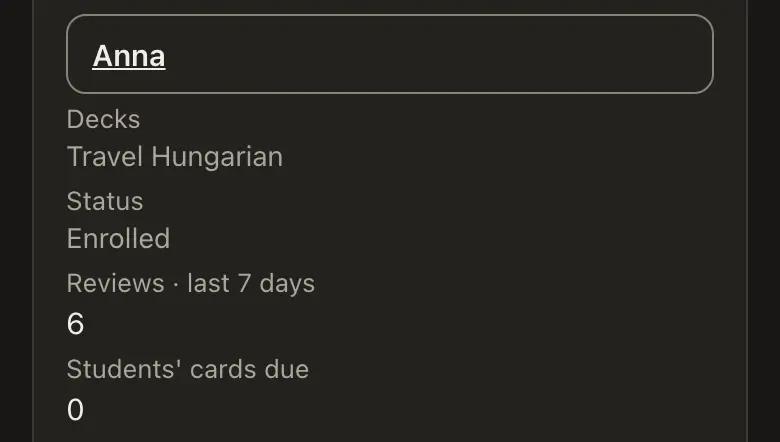
Teaching roster showing students and practice status
Teaching roster
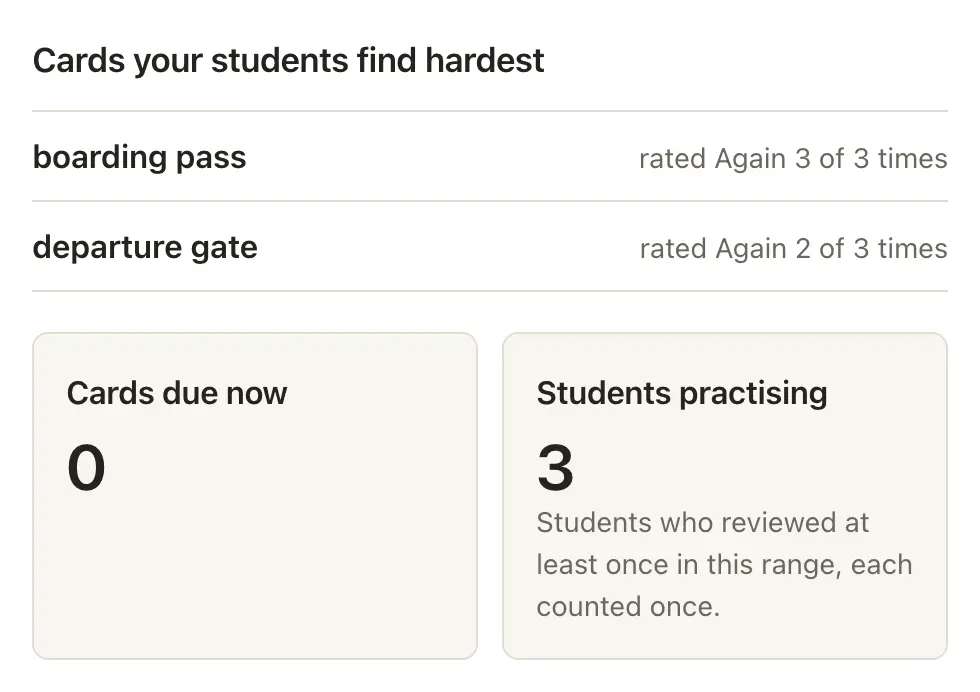
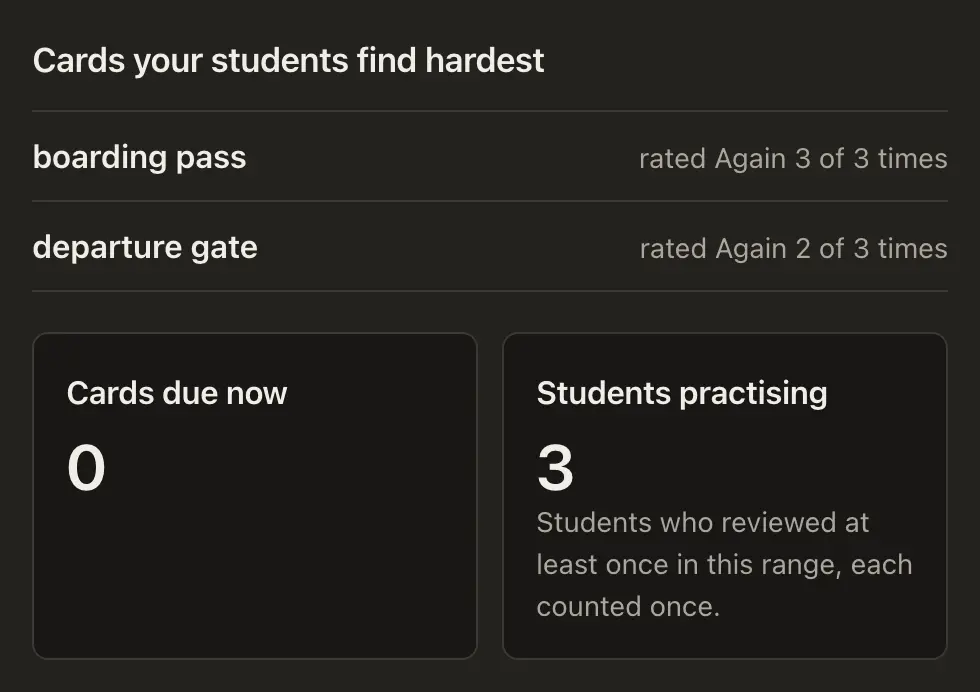
Deck Analytics showing the cards students find hardest, cards due now and how many students are practising
Deck Analytics

Free to study. Free to teach up to 3 students. No card needed.

Play

When you want a change from review, choose a game that uses the cards you already made.

  • Choose the right answer

  • Match pairs

  • Build the word

Already use Anki? Bring your deck.

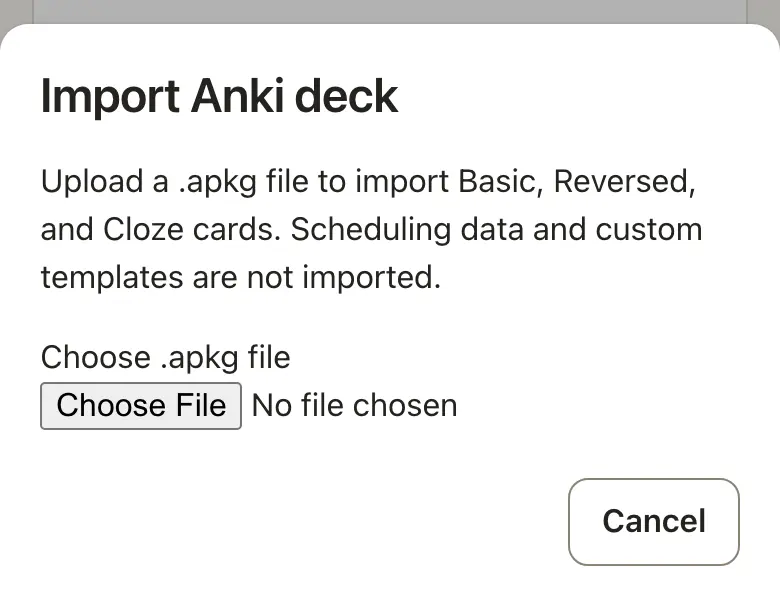
Upload an Anki .apkg file and bring your basic, reversed and cloze cards with you. Scheduling history and custom card designs stay in Anki.

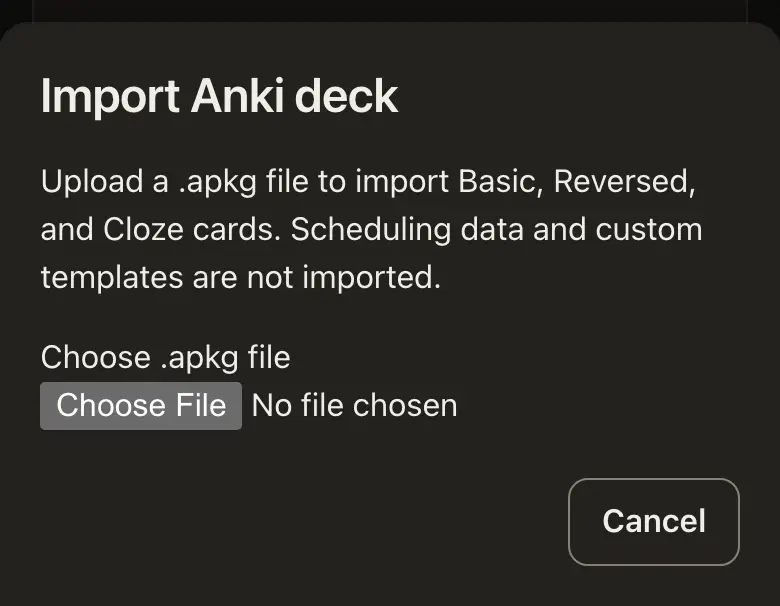
Anki import screen showing the .apkg file chooser
The real Anki import screen.

A memory hook for the words that will not stick.

Ask for a mnemonic on any card: while you edit it, while you review it, or for all the words you got wrong at the end of a session. You see the price before anything is spent.

Every account starts with free AI credits, enough for your first mnemonics. A mnemonic someone has already made for the card is free.

Hear it. Any card can be read aloud in the deck’s language. Free.

See it. Add a picture from a built-in search of openly licensed images, or upload your own. Free.

Revealed card
lighthousea tower with a light that guides ships
Memory hookLIGHT HOUSE: a house for a light that guides ships.
Example memory hook on a revealed card. The price is shown before anything is spent.

Ask Claude about your decks.

Connect Claude to your etch.it account and ask in plain words about your decks, due work and learning statistics, or ask it to draft cards for review.

You choose what the connection may do. See what it did and remove it at any time under Account › Connections.

  1. In Claude, add a connector with the address shown.
  2. Sign in to etch.it.
  3. Choose what to allow.

The connection uses the open MCP standard. ChatGPT and Gemini can use the same standard.

“What is due today?”
“How is my Travel English deck going?”
“Draft ten cards on airport vocabulary.”
ClaudeAllowed actions
  • Read decks and cards
  • Read due work and statistics
  • Draft cards for review
Loading connection address…

Example connection. You choose what it may do and can remove it at any time.

Pricing

Free to study. Free to teach up to 3 students. No card needed.

Paid plans cover your roster and the teaching overview across the decks you own.

Loading pricing…

Questions people ask

Do students need an account?

Yes. When they open your link they sign up in a few seconds, so their progress follows them to any device.

Which devices work?

Any phone, tablet or computer with a modern browser. Students can add etch.it to their home screen so it opens like an app.

What kinds of cards can I make?

Front-and-back cards, cards that work in both directions, and fill-in-the-blank cards. Add a picture to any card: upload your own or pick an openly licensed one from the built-in search.

Can I import from Anki?

Yes. Upload an Anki .apkg file and its basic, reversed and cloze cards come across. Scheduling history and custom card designs are not imported.

Who can see my students' progress?

Each student sees only their own progress. You see progress in the decks you own; anyone you add to help edit a deck sees it only if you allow it.

Is it really free?

Yes, to study: your own decks, shared decks, games and Anki import. Teaching is free for up to 3 students on your roster. AI mnemonics use credits; every account starts with some, and more are optional.

What can Claude see?

Only what you allow when you connect it, and never more than you can see yourself. Remove the connection under Account › Connections and it stops at once.

How is this different from Anki?

etch.it runs in the browser with nothing to install. Share a deck with a link, and see how the people you shared it with are doing.

Start with the next ten words you want to keep.

Free to study. Free to teach up to 3 students. No card needed.